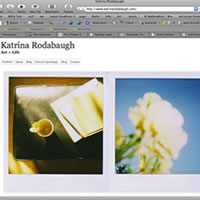
Introduction and Examples
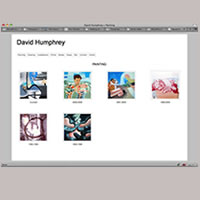
Why use Wordpress? A few answers and student examples.
Read More
A step by step guide to creating a simple portfolio site using Wordpress and WPFolio
Why use Wordpress? A few answers and student examples.
Read More

A easy step by step tutorial for buying a domain name and using Bluehost as a hosting server, especially written for beginners. This is the first step before installing Wordpress to make online artist’s portfolios.
Read More

How to use Bluehost’s one-click install of Wordpress.
Read More

A quick and easy tutorial on adding the WPFolio theme to Wordpress from the Dashboard. No more FTP necessary. It is now much easier for non-technical users to install themes.
Read More
A brief tutorial on how to set up widgets and options for fonts and background color for the WPFolio theme.
Read More

A tutorial on how to add basic setting for media, date and time, permalinks, etc. for self-hosted Wordpress install.
Read More
First, an explanation of the function of categories in Wordpress and WPFolio and website navigation, then create the categories.
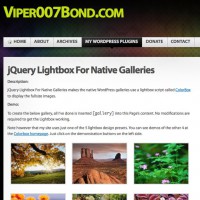
How to install the JQuery Lightbox for creating a good-looking slide of gallery images.
Read More
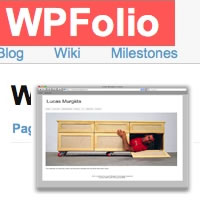
Learn how to create a post with a gallery of images. Finally. This is the reason for all the set-up.
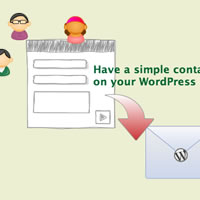
Before you add a Contact page to your site you need to download a plugin to easily create an email form. I recommend Contact Form 7.
Read More
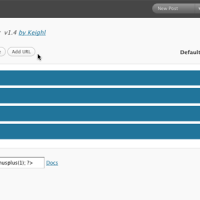
Easy Customization of the Navigation Menu If the WPFolio Categories Widget and the Pages Widget don’t allow you to customize the navigation menu as much as you would like I suggest you use Menus Plus+. Read about it here, along with Keigl’s instructions. Or follow mine below. Install Menus Plus+ …
Read More